To listen to Audio Description Commentary (ADC) you will need a smart device (e.g. iPhone or Android device), and a set of headphones or earbuds.
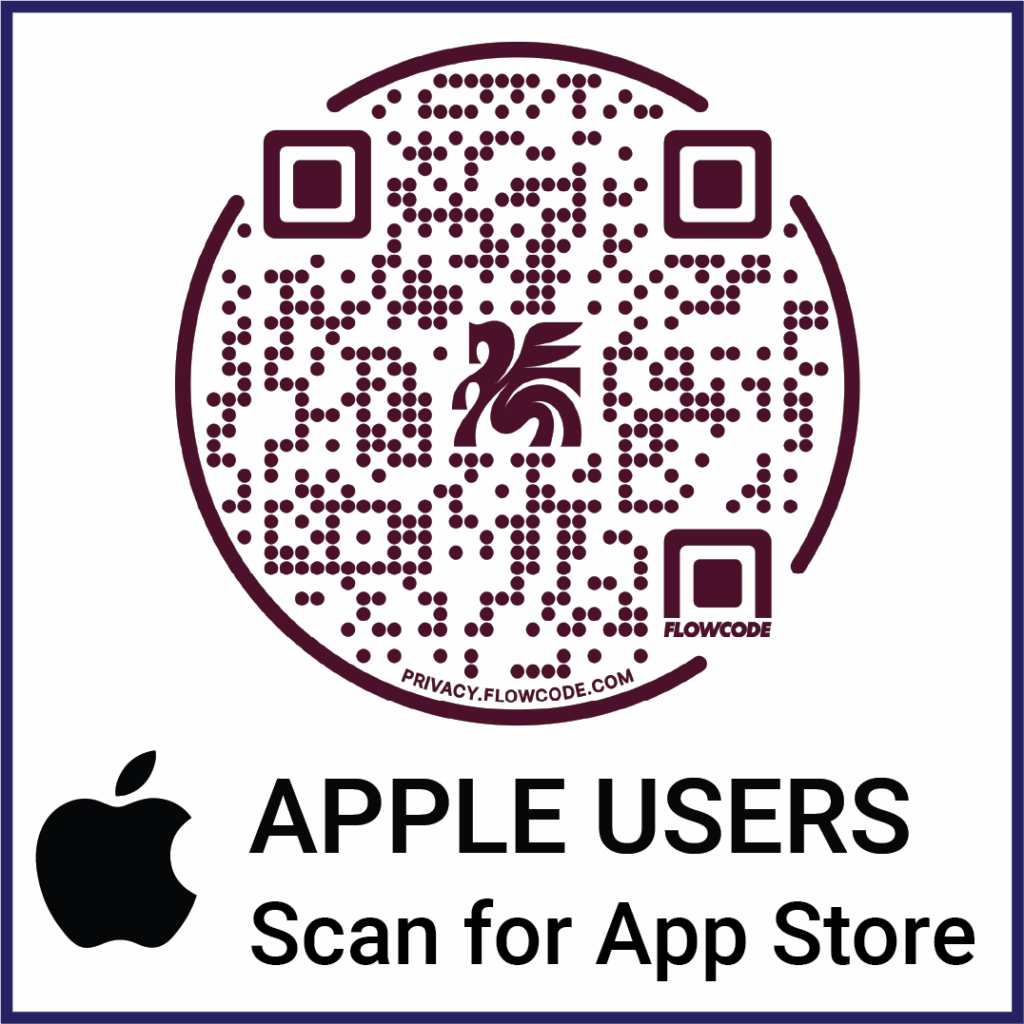
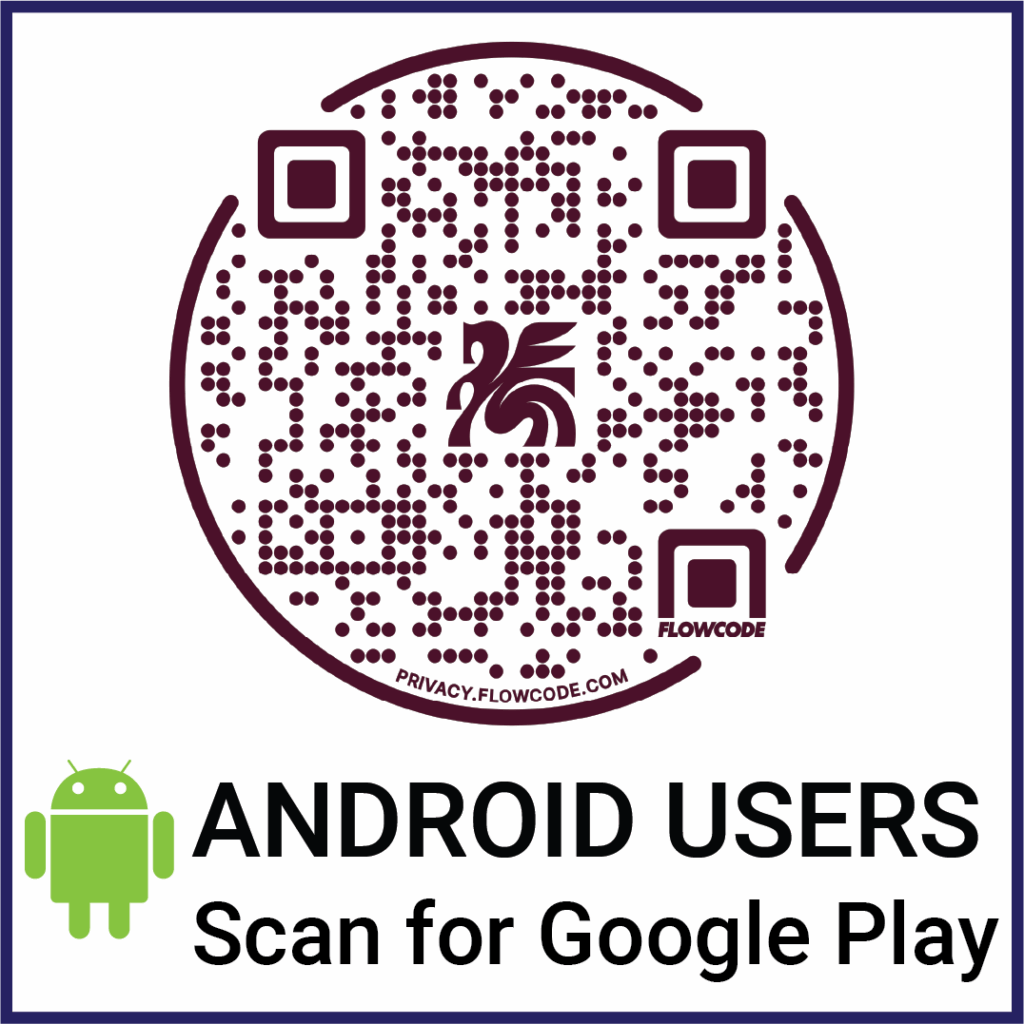
Step 1. Download the app for your device. Scan, click or tap the appropriate QR code below.
Step 2. Open the APP at the stadium and it will automatically load the audio stream feed.
Step 3. Select your choice of language and tap the ▶️ play icon.